2026 · built for myself
HQ
I wanted my computer in my pocket: one small server that’s always on, that I can reach from my phone, with Claude Code working on it while I get on with something else.
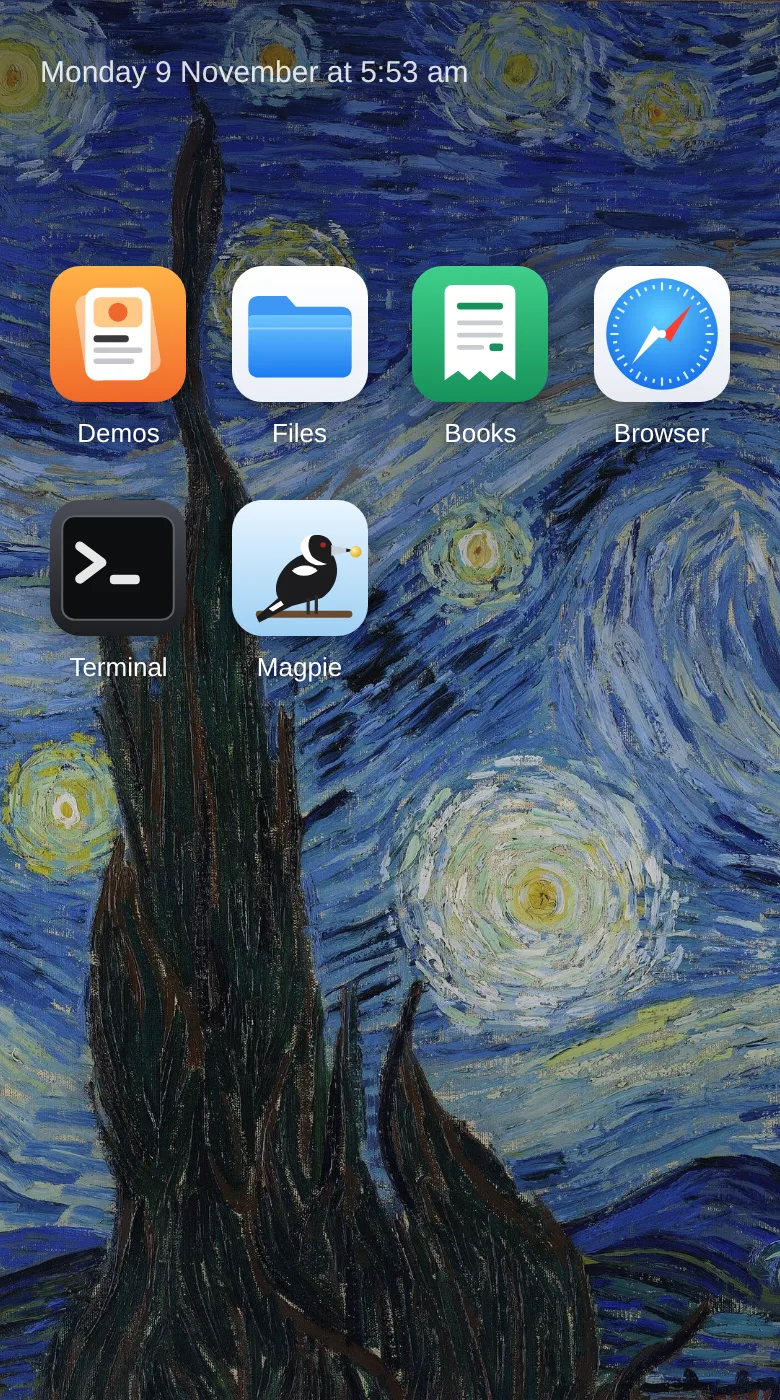
HQ is the front of it, a home screen web app with Files, a Browser, a Terminal and Books. Behind it, Claude Code runs as a chief of staff. I tell it what I want, and it hands the hands-on work to agents in the background, which use the same browser and the same files I do.
The part I like most: the agents and I share everything. I can watch an agent work in the Browser and take over at any moment, open the files it writes from my phone over my private network, and drop into the same Terminal. I use it all day.
Details
How it works
- Files looks like the phone’s own Files app: folders, a search box, previews for Markdown, images and code, swiping through a folder’s photos, and uploads from the phone.
- Browser is one real Chrome on the server, streamed to my phone as a phone browser, with the address bar at the bottom and a tabs view. Agents drive the same Chrome, each in its own tab. A soft glow and a small chip show me while they work, my own taps always win, and an agent can pause and ask me to take over, for a login say.
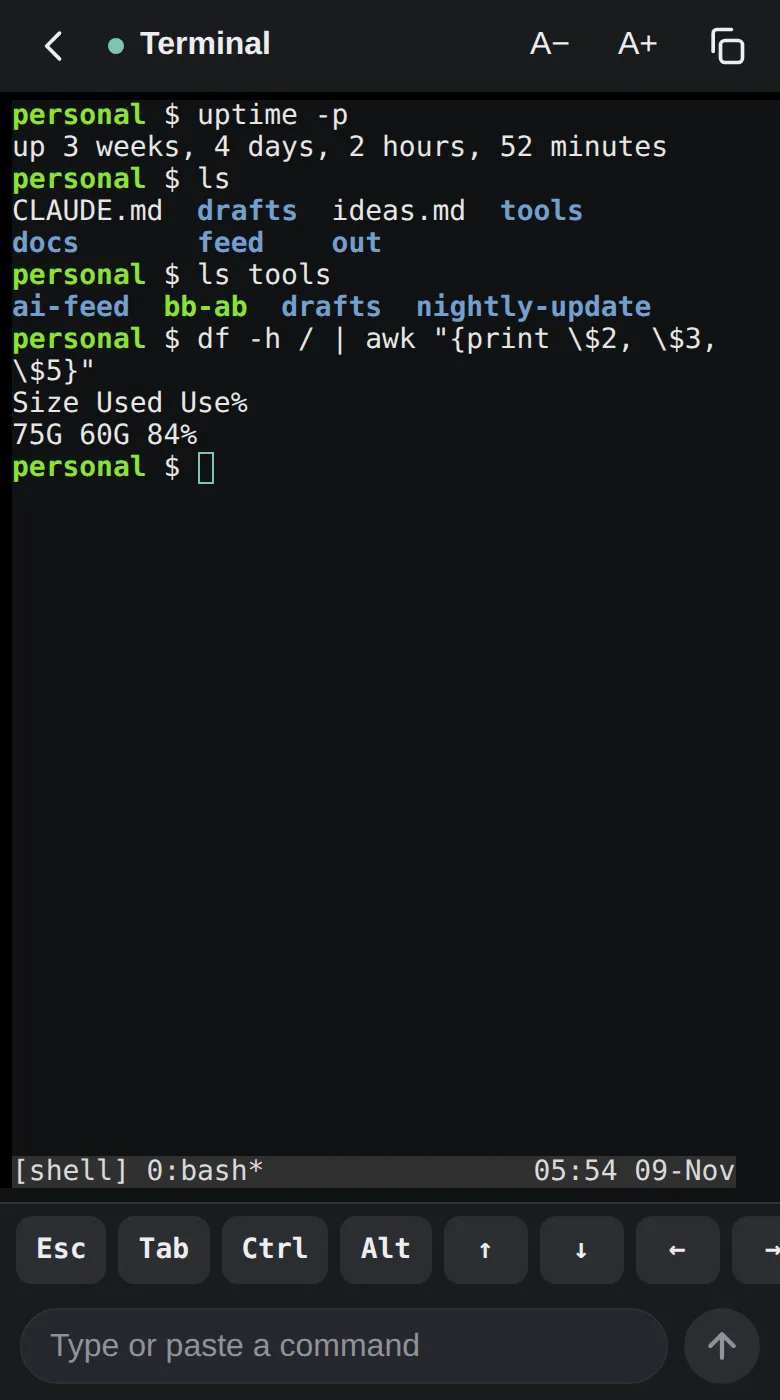
- Terminal is a tmux session that keeps running when the phone sleeps, used like a chat: a message box for commands, a key bar for Esc, Tab, Ctrl and the arrows, and live keys for full-screen programs, Claude Code included.
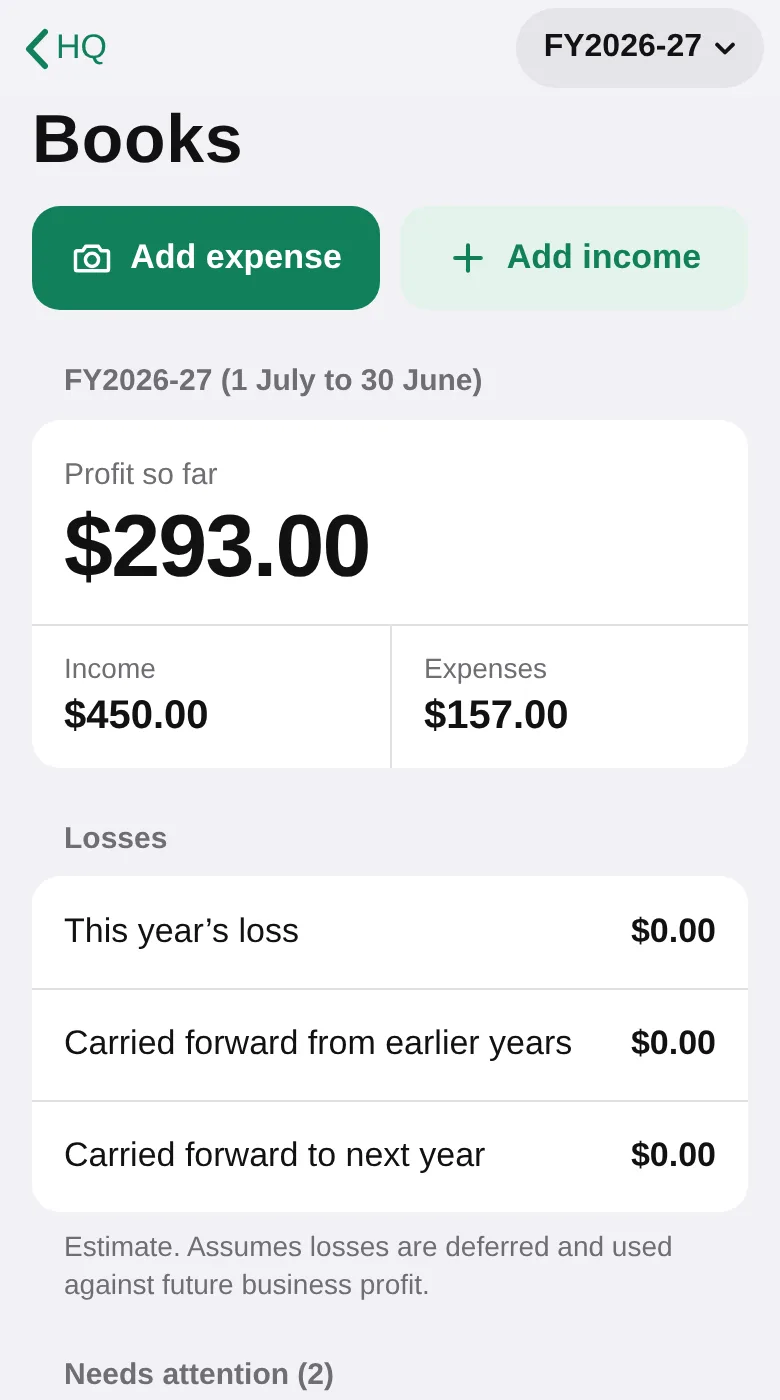
- Books: I snap a receipt, Claude reads it and fills in the form, and I check it and save. The receipt is filed under a tidy name, the row goes into a CSV and it’s committed to git. It also keeps the year’s totals and makes a zip for the accountant.
- Claude Code runs as an always-on service. It keeps the big picture and gives each job to an agent with a clear brief: a default worker, a web researcher, a design agent, and a stronger model only for hard debugging. Several run at once, so I can keep talking to it meanwhile.
- It all sits on one 2 vCPU, 4 GB server, reachable only over my private network. Tools that need AI call the Claude Code CLI I’m logged in with, so there are no API keys to manage.
Next